
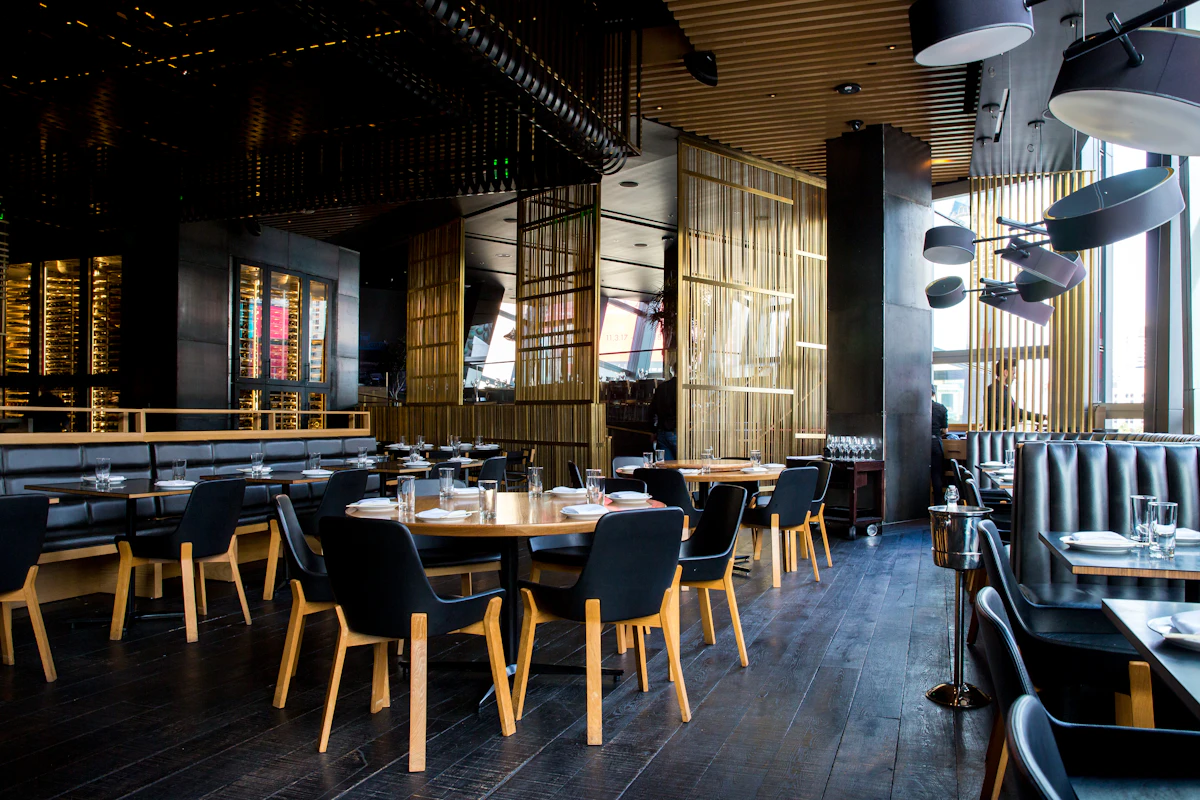
1. The F&B Revenue Challenge: Why Standalone Restaurant POS Systems Fail Hotels
Food and Beverage (F&B) operations generate between 25% and 55% of total gross revenue for independent Indian hotels, boutique resorts, and heritage properties. Whether serving breakfast in a multi-cuisine dining hall, fulfilling late-night room service orders, or operating a poolside cafe, hotel dining requires fluid operational integration with front desk ledgers.
Yet thousands of independent properties across India still manage F&B using disjointed paper Kitchen Order Tickets (KOTs) or standalone restaurant billing software that has zero connection to their hotel property management system. This architectural disconnect creates serious daily revenue leaks:
The "Late Paper Chit" Revenue Trap
A guest orders ₹1,850 of dinner via room service at 10:30 PM. The handwritten paper KOT sits on the kitchen spindle overnight. When the guest checks out at 7:30 AM the next morning, the front desk receptionist settles the room bill without knowing about the dinner charge. The property absorbs a 100% loss.
GST Slab Non-Compliance & Audit Penalties
Under Indian GST statutory guidelines, restaurant dining and room service food are taxed at a flat 5% GST (without Input Tax Credit) under Services Accounting Code (SAC) 9963. In contrast, room tariffs are taxed dynamically at 12% (under ₹7,500) or 18% (above ₹7,500). Mixing these tariffs onto a single unitemized invoice triggers tax notices and audit discrepancies.
2. Core Pillars of an Integrated Hotel Restaurant & Room Service POS
An integrated hotel Point of Sale (POS) within your cloud PMS solves these challenges by synchronizing kitchen operations, dining tables, room service delivery, and front desk folios into a single real-time ledger.
1. Digital KOT Routing & Station Printers
Eliminate lost paper slips. When a waiter enters an order on an Android smartphone, tablet, or POS terminal, BillDhari immediately routes digital Kitchen Order Tickets to designated thermal printers or kitchen display screens:
- Tandoor / Curry Station: Thermal print kitchen ticket with item quantities and special guest preparation notes (e.g., "Less spicy, no garlic").
- Beverage / Bar Counter: Separate ticket for mocktails, bottled water, and juices.
- Front Office Audit Log: Real-time timestamped record created in PMS memory.
2. Instant Room Folio Transfer (With Live Guest Verification)
When room guests order dining, whether in the restaurant or via In-Room Dining (IRD) - they prefer charging expenses directly to their room folio rather than pulling out a credit card or cash for every meal:
- BillDhari's POS validates the entered room number against active checked-in reservations in real-time.
- If Room 302 has checked out, or if the guest name does not match, the system prevents the transfer, stopping rogue charges.
- The guest signs digitally on the tablet or signs the printed charge voucher, which links instantly to Master Reservation Folio #302.
3. Automated 5% vs 12%/18% GST Separation
When the front desk generates the final tax invoice at checkout, BillDhari automatically categorizes each line item by its correct SAC code:
- SAC 9963 (Room Accommodation): Taxed at 12% (CGST 6% + SGST 6%) or 18% (CGST 9% + SGST 9%).
- SAC 9963 (Restaurant & Room Service F&B): Taxed strictly at 5% (CGST 2.5% + SGST 2.5%).
- Both slabs reflect clearly on the final printout and export cleanly into month-end GSTR-1 B2B/B2C JSON ledgers.
3. Comparison: Disjointed Standalone POS vs. BillDhari Unified Hotel POS
| Operational Dimension | Standalone Restaurant Software | BillDhari Unified Cloud Hotel POS |
|---|---|---|
| Room Folio Transfer | Manual re-entry into PMS reception software (often forgotten) | 1-click real-time room folio post with live guest name validation |
| Checkout Revenue Leaks | High: 4% to 9% of F&B bills lost to late morning departures | Zero: Folio updates within 500 milliseconds of POS order confirmation |
| GST Invoice Compliance | Produces separate disconnected bill; manual tax consolidation | Single consolidated GST invoice with distinct 5% F&B and 12%/18% room slabs |
| Hardware Requirements | Heavy desktop computer and proprietary POS server on local LAN | Runs on any smartphone, tablet, iPad, or browser; ESC/POS network thermal printing |
| Multi-Outlet Consolidation | Requires multiple expensive software licenses per restaurant/outlet | Manage Restaurant, Room Service, Cafe, and Banquet outlets on one license |
4. Multi-Outlet Architecture: Managing Restaurants, In-Room Dining & Cafes
Independent hotels and resorts often operate multiple distinct food service touchpoints. BillDhari's unified POS handles each outlet with dedicated pricing, menus, and reporting:
1. Main Restaurant Dining Hall
- Table Management & Floor Layout: Visual table map showing vacant (green), occupied (red), and billed (yellow) tables.
- Order Modification & Running Tables: Add new dishes to open tables, change quantities, and reprint add-on KOTs seamlessly.
- Split Bills & Payment Options: Guests can pay via cash, dynamic Unified Payments Interface (UPI) QR, debit/credit cards, or post partial amounts to a corporate master ledger.
2. In-Room Dining (Room Service)
- Direct Room Selection: No table numbers required; waiter selects room from active checked-in guest list.
- Delivery Time Tracking: Track order punch time against delivery time to maintain 30-minute guest satisfaction benchmarks.
- Tray Pickup Alerts: Housekeeping alerted automatically when room service trays are ready for clearing.
3. Banqueting & Event F&B
- Connect Banquet Event Orders (BEOs) with fixed per-plate buffet pricing.
- Post event catering advances and final balances directly to corporate client folios with GSTR-1 B2B GSTIN compliance.
5. Step-by-Step Tutorial: Managing Hotel Restaurant POS & Room Transfers
Step 1: Set Up Outlets, Menu Items & Tax Rates
- In BillDhari PMS, navigate to POS Management $\rightarrow$ Outlets.
- Create your food outlets:
Main Restaurant(Dine-In, Takeaway)In-Room Dining(Room Service)Poolside Bar & Cafe
- Enter your menu categories (Starters, Main Course, Breads, Beverages).
- Assign the statutory tax rate: 5% GST under SAC Code 9963 to all food items. (Packaged goods like aerated drinks can be assigned 18% GST).
Step 2: Taking an Order & Printing Kitchen Order Tickets (KOT)
- Open the POS interface on a tablet or reception PC.
- Select the order type:
- For dining: Click on Table
T-04. - For room service: Click Room Service and select
Room 205 - Rajesh Sharma.
- For dining: Click on Table
- Select ordered items (e.g.,
Paneer Butter Masala x 1,Butter Naan x 3,Dal Makhani x 1). - Click Punch KOT. The order prints instantly on the kitchen thermal printer with order timestamp and special preparation instructions.
Step 3: Transferring the Bill Directly to the Guest Room Folio
- When the guest finishes dining or receives their room delivery, open Table
T-04or the Room Service order. - Click Settlement Options $\rightarrow$ Transfer to Room Folio.
- Select
Room 205. The system displays the primary guest's full name, check-in date, and expected checkout date for instant verification. - Click Confirm Transfer.
- The POS closes the table, prints an acknowledgment slip for the guest to sign, and automatically posts ₹1,240 to Master Reservation Folio #205.
Step 4: Final Checkout Invoicing & GST Reconciliation
- When the guest approaches the front desk for checkout, open Front Desk $\rightarrow$ Stay View $\rightarrow$ Room 205.
- Click Generate Tax Invoice.
- The invoice automatically displays:
- Room Tariff: ₹4,500 + 12% GST (SAC 9963)
- Room Service F&B: ₹1,240 + 5% GST (SAC 9963)
- Total Gross Payable: ₹6,342.
- Collect the payment via dynamic UPI QR code or credit card, issue the invoice via WhatsApp PDF, and roll the room to dirty status for housekeeping.
6. Summary & Next Steps
Integrating your restaurant and room service POS directly into BillDhari Cloud PMS stops late paper chit revenue leaks, prevents checkout disputes, ensures 100% GST compliance, and elevates the guest dining experience.
- To experience BillDhari POS live: Schedule a Free 1-on-1 Product Demo
- To review GST configuration: Read How to Set Up Hotel GST Invoicing, SAC Codes & GSTR-1 in Hotel PMS
- To optimize front desk checkout: Read Fast Front Desk Walk-In Check-In in 60 Seconds